

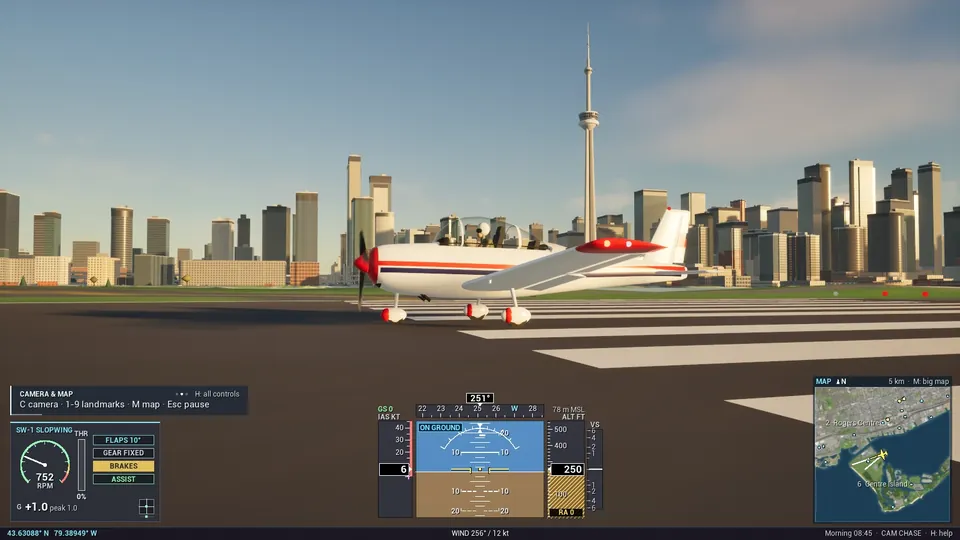
SW-1 · Prop
Slopwing
The one to learn on. A forgiving prop with fixed gear, slow enough to take in the city, day or night.
- Engine
- Propeller, RPM gauge
- Gear
- Fixed
- Handling
- Forgiving
Coming soonto the Epic Games Store · Free to play
The title is a joke. The flight sim is not.
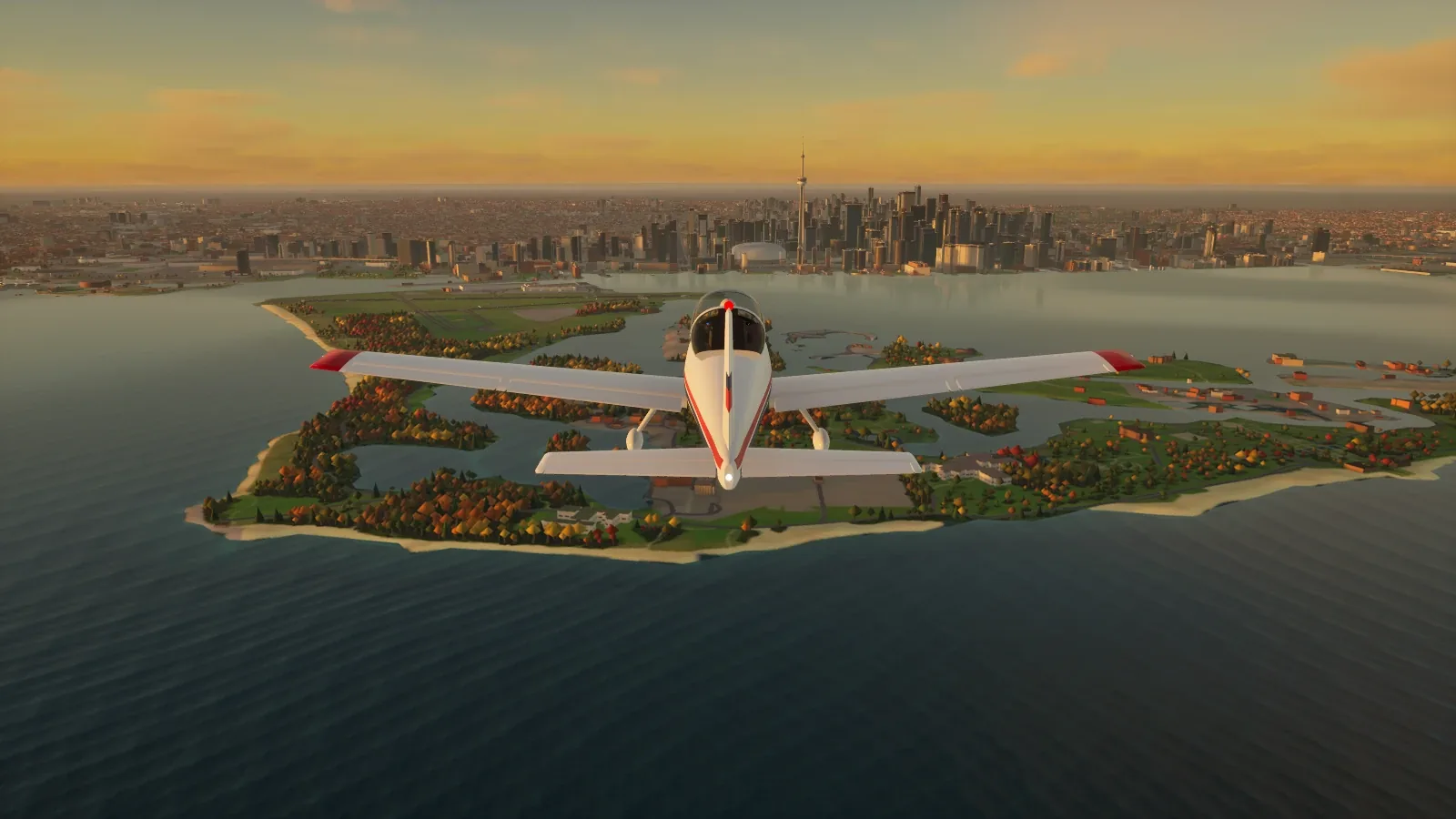
Take off from Billy Bishop, skim Lake Ontario at golden hour, thread the Financial District towers and buzz the CN Tower SkyPod, over a Toronto built entirely from open data.
There are no hand-made levels and no marketplace assets. Every building, road, tree, wave and lit window is generated from open data while the loading screen is up.
Built from OpenStreetMap, the City of Toronto 3D Massing model and open elevation data.
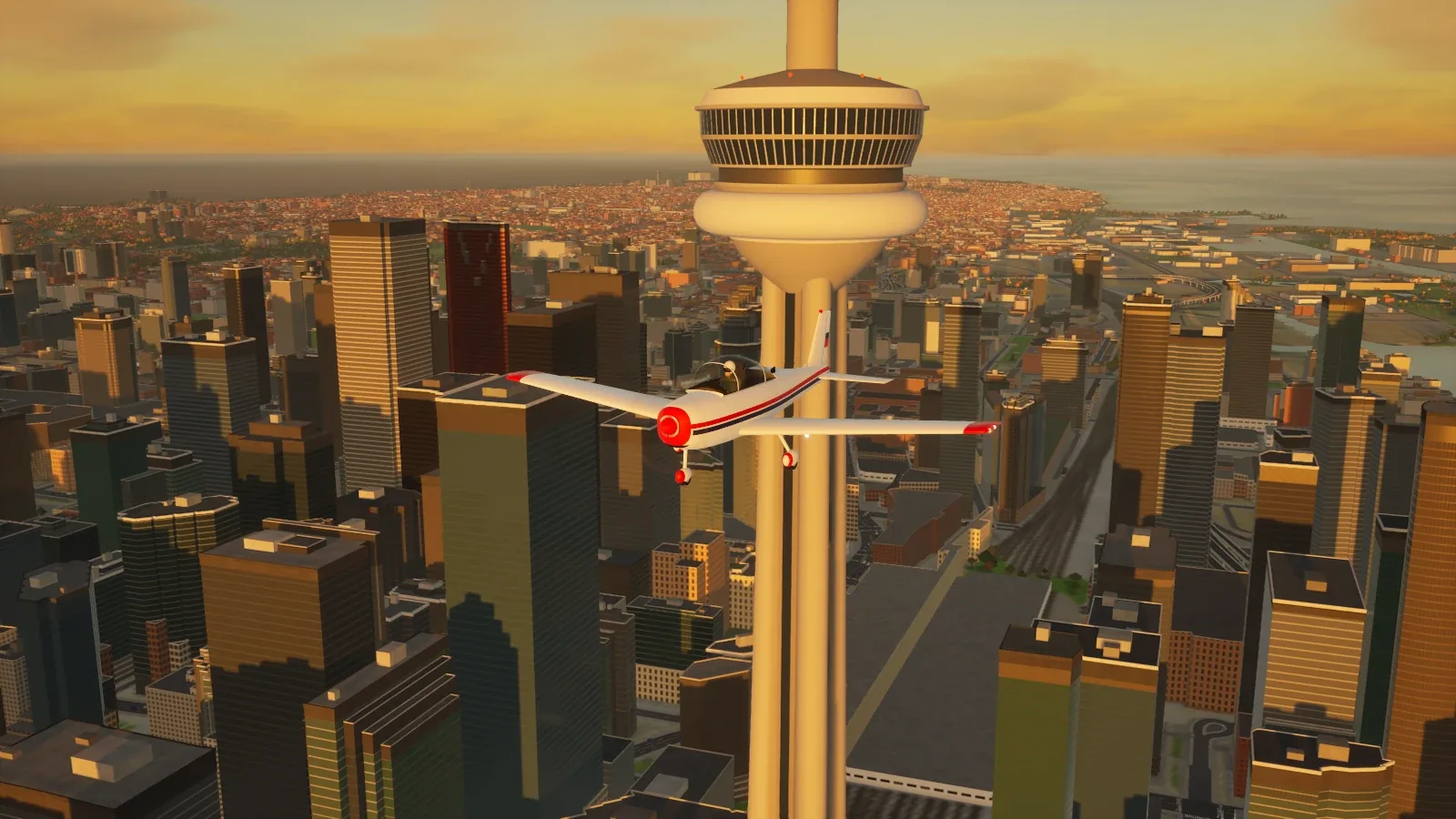
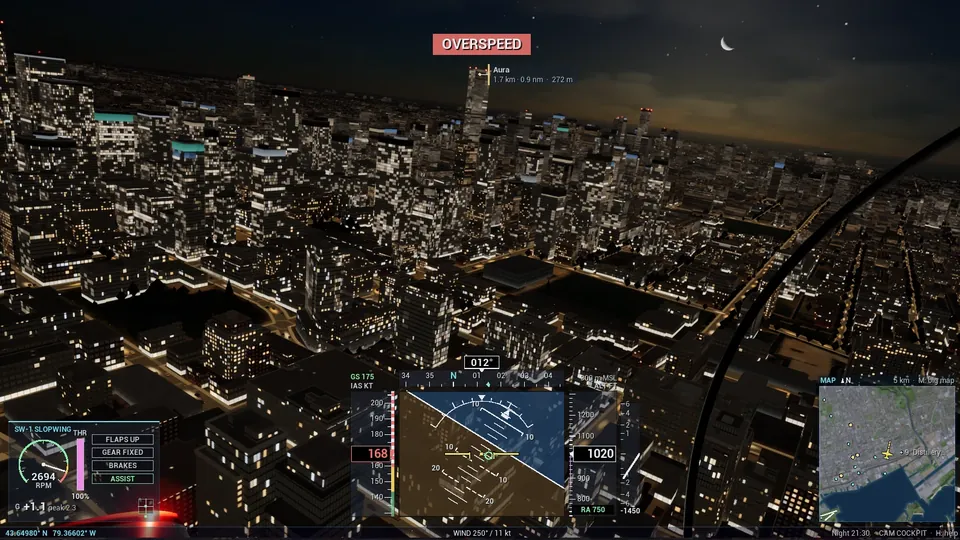
In-game captures from the SW-1 and SJ-9, HUD and all.
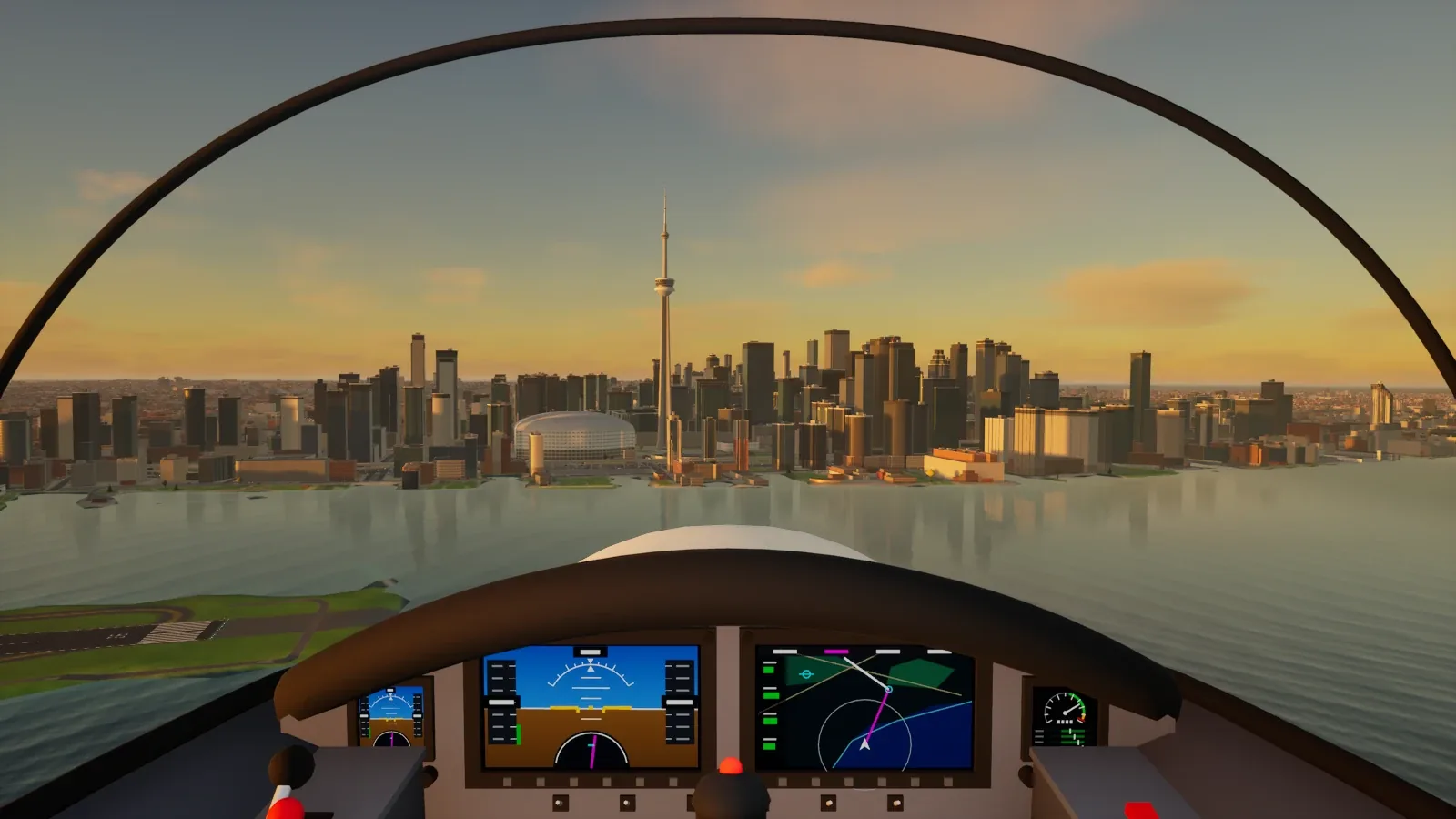 Across the harbour
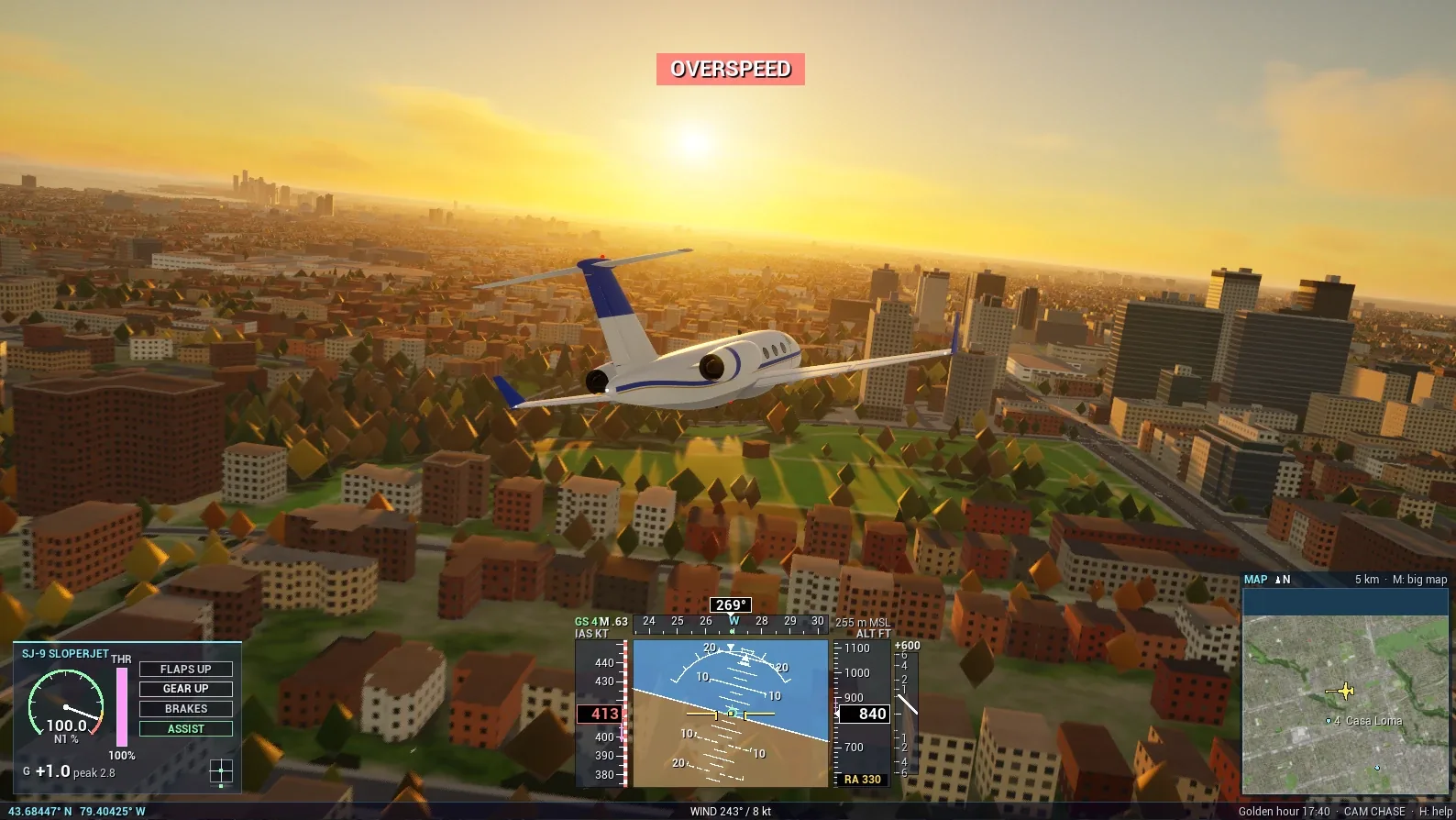 Low over midtown
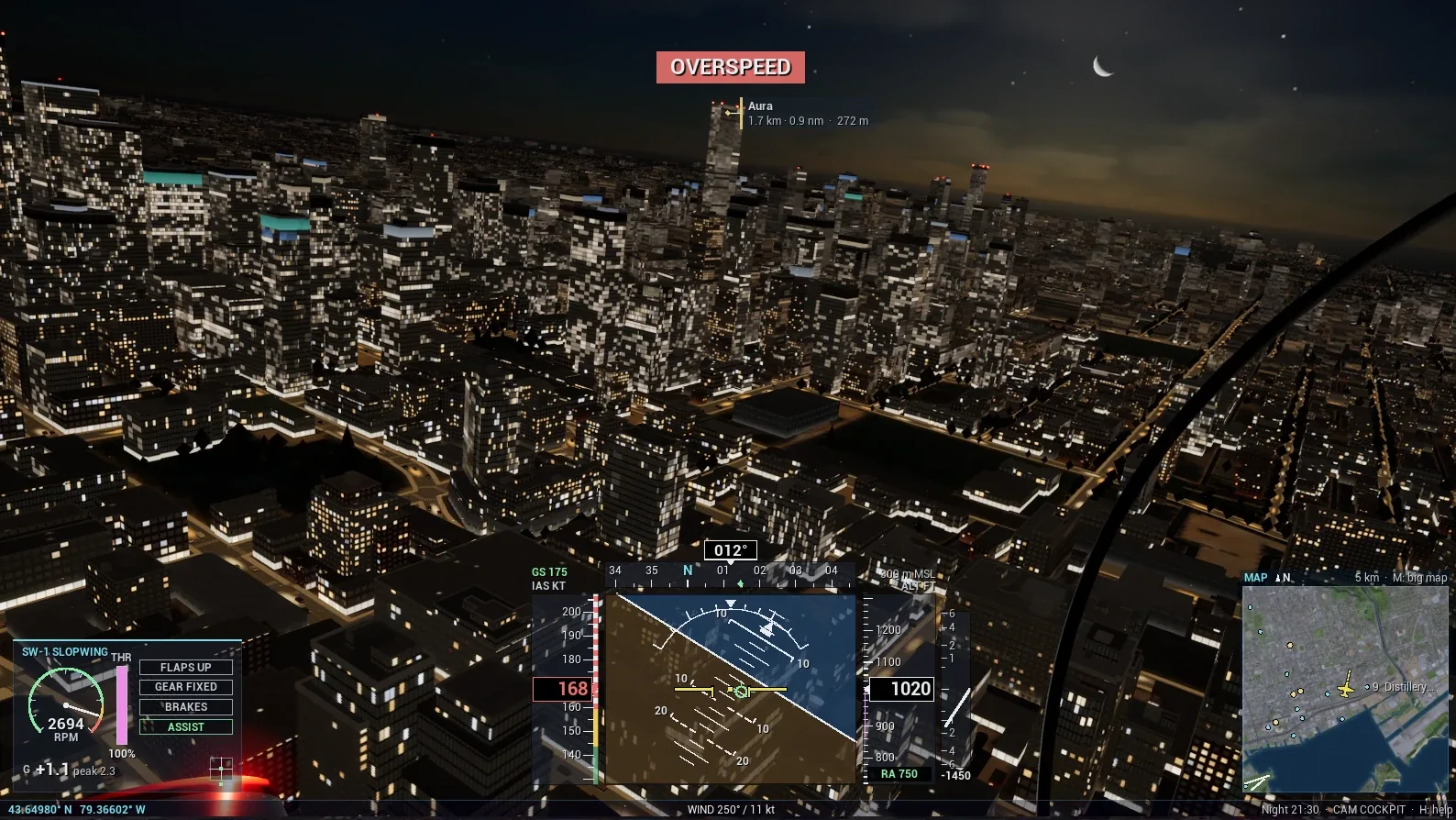 Downtown after dark
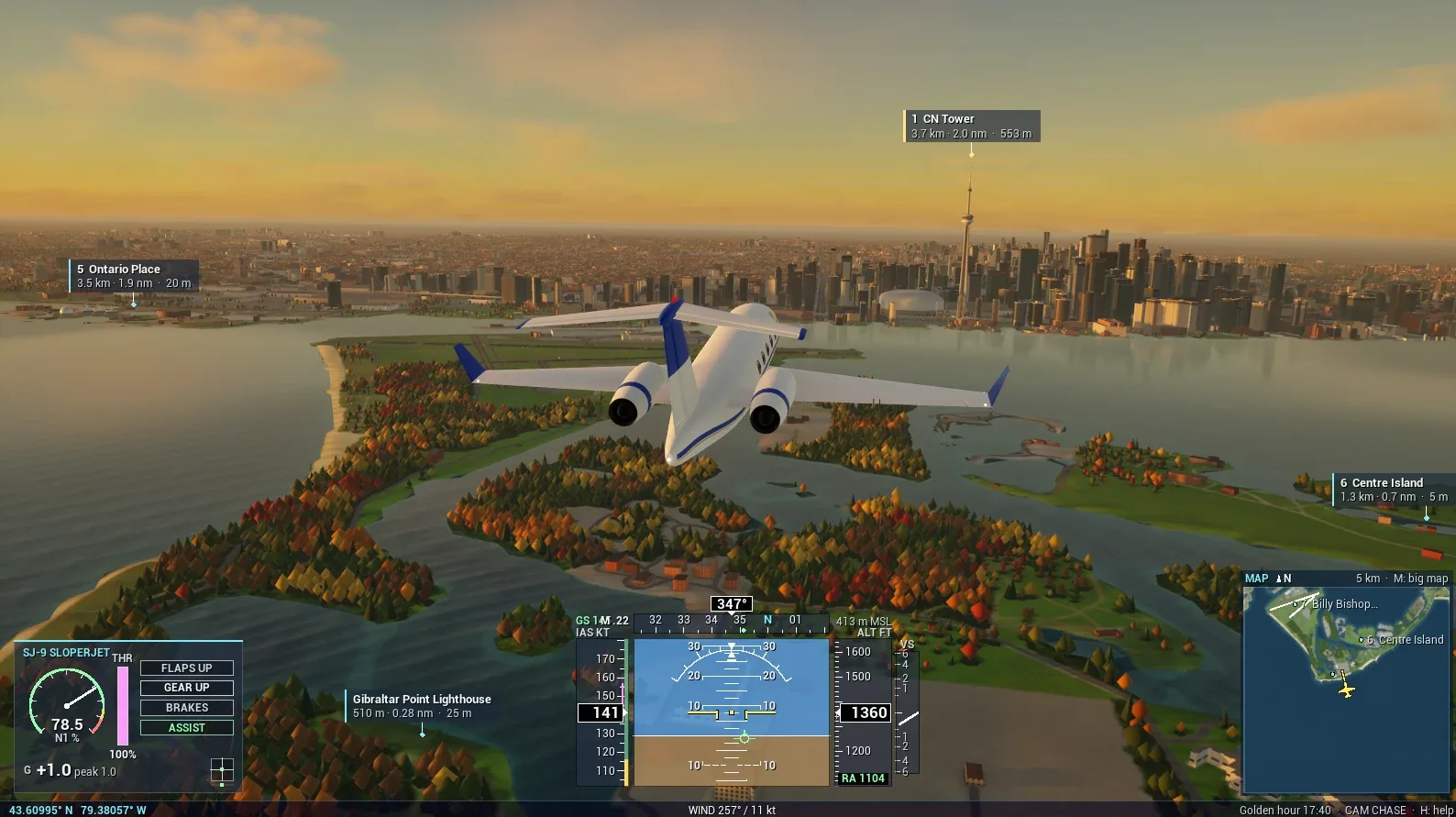 Inbound to the tower
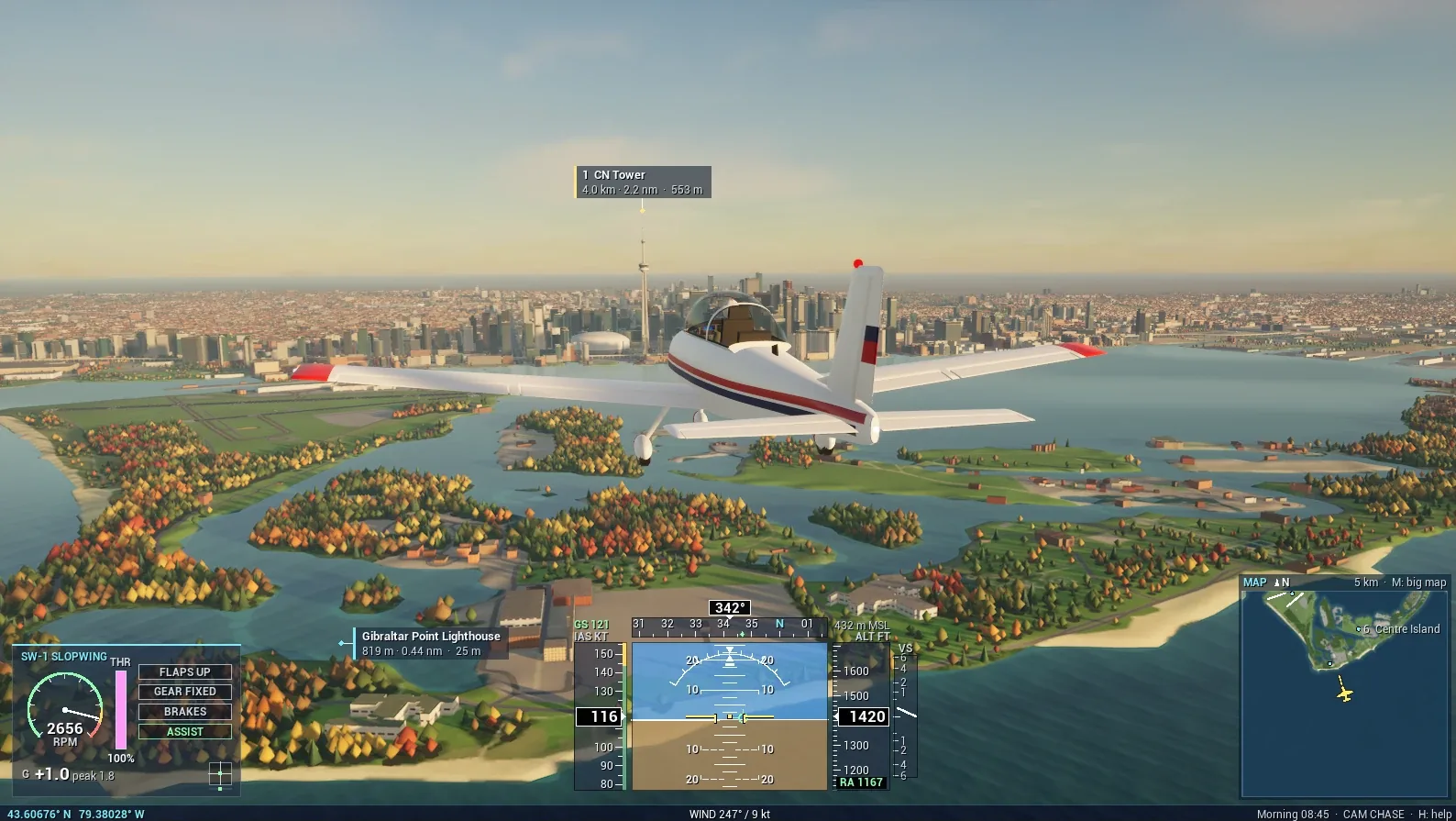 Over the Islands
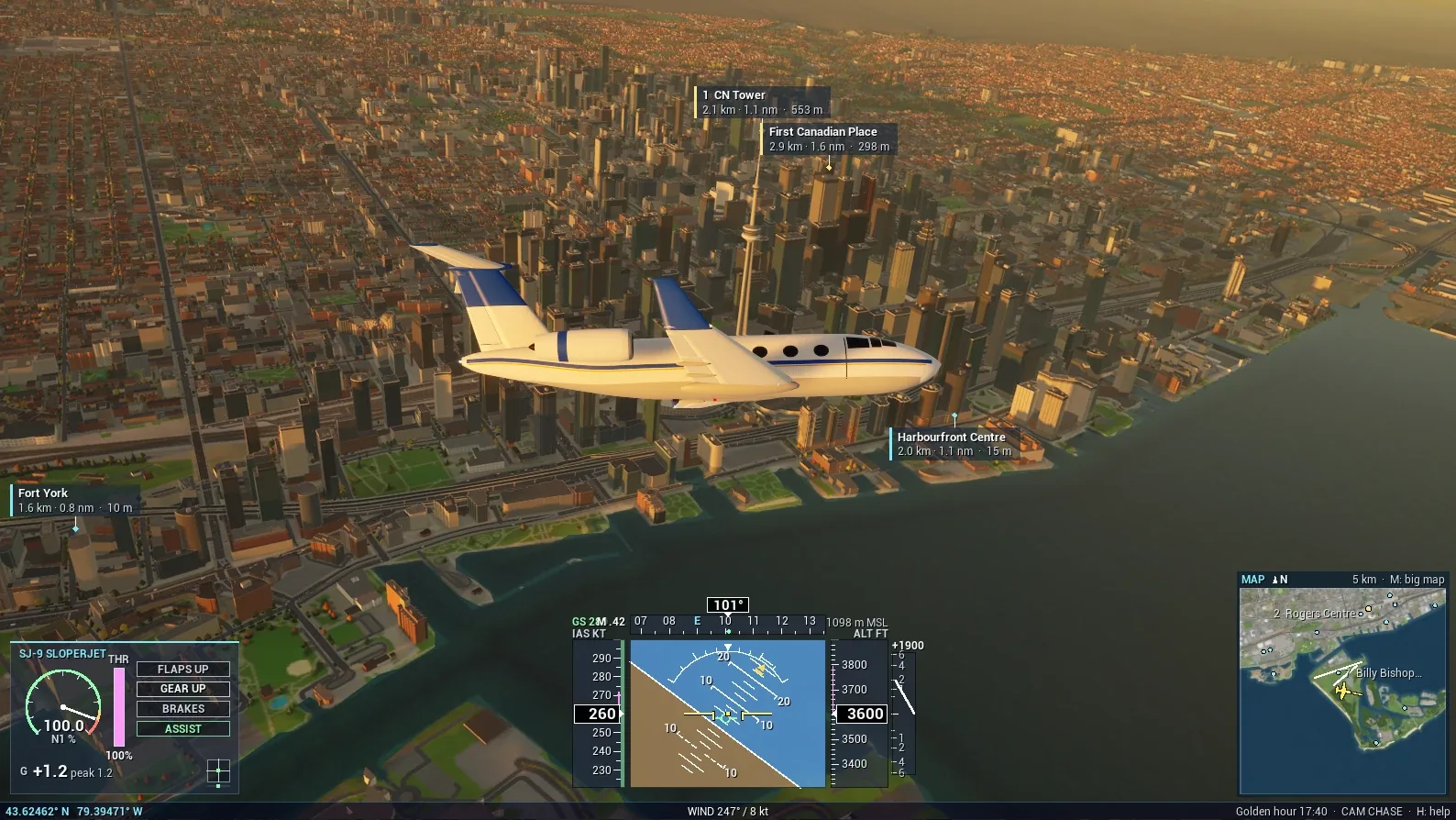 Past the towers
Screenshots contain map data © OpenStreetMap contributors (ODbL) and information licensed under the Open Government Licence – Toronto. Credits
Stall and post-stall behaviour, propeller or jet thrust, flaps, landing gear, wind and turbulence.
Attitude, speed, altitude and heading tapes, VSI, G-meter, gear and brake indicators, a minimap and landmark labels. Push the SJ-9 too hard and you will meet OVERSPEED.
Attitude hold and auto-coordination for gamepads and casual flying. Press Tab to switch it off and fly the raw physics.
Sky atmosphere, sun and moon, volumetric clouds and fog. Press T in flight to move the clock.
Chase, cockpit, orbit and flyby. Left stick to fly, right stick to look around, triggers for throttle.
Crash and the game tells you so, then respawns you after 4 seconds. R, Enter, Space, A or Y skips the wait.
SW-1 · Prop
The one to learn on. A forgiving prop with fixed gear, slow enough to take in the city, day or night.
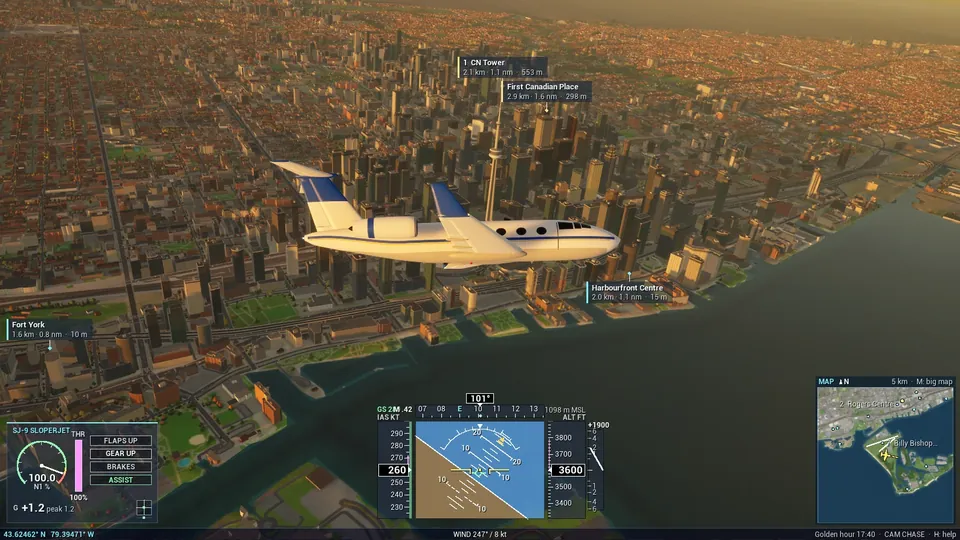
SJ-9 · Jet
For when you've got the hang of the prop. Fast and loud, so take it low over the lake or through the Financial District.
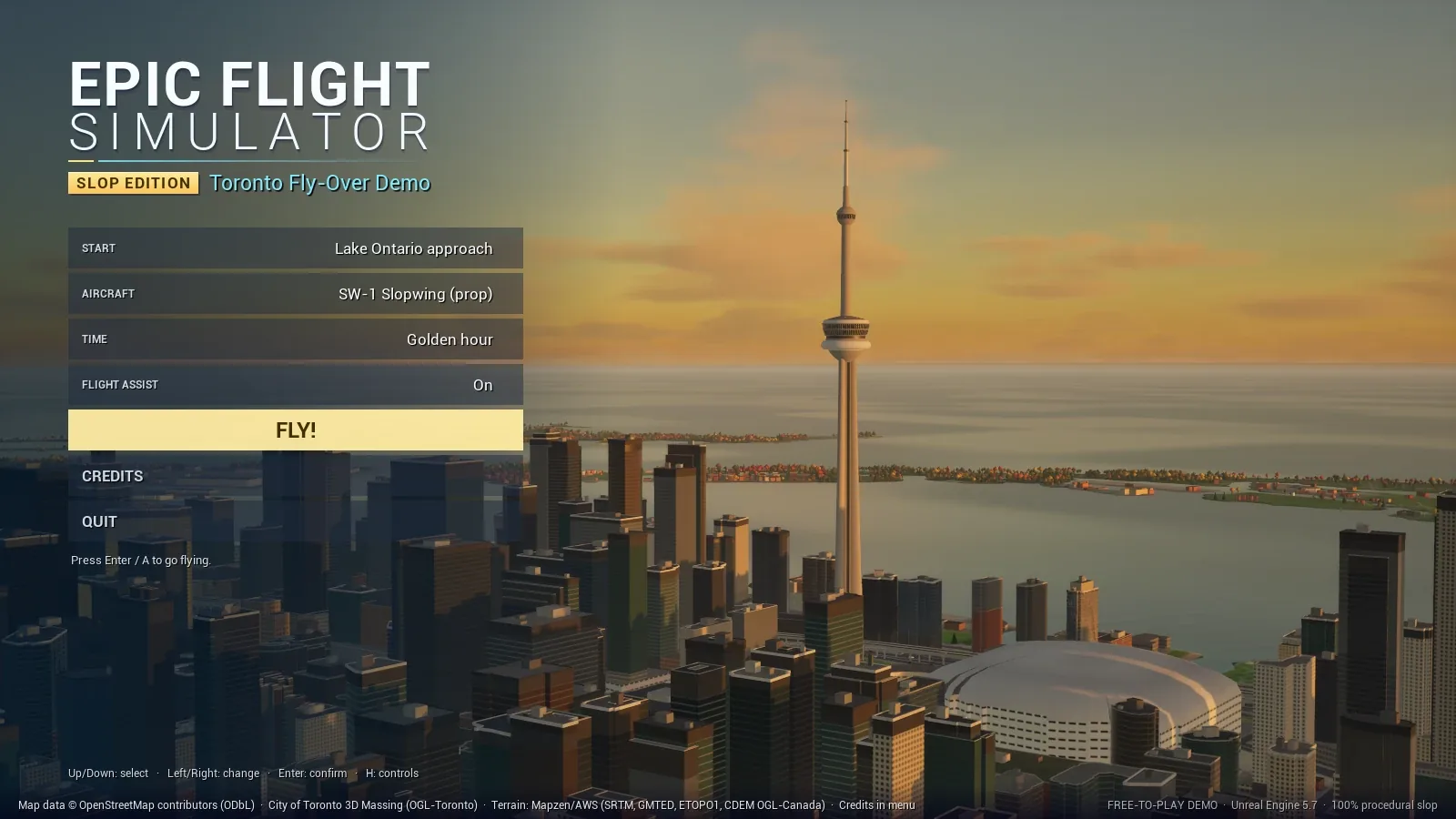
The sightseeing gate tour is a timed route through glowing rings: from the Sunnyside waterfront past Ontario Place, the CN Tower, City Hall, Casa Loma and the Don Valley, to the finish at Centre Island. Crashing costs you time.
Landmark teleports Press 1–9 in flight, or try them here.
W pushes the nose down, like pushing the stick. Press I to invert pitch.
| Action | Keyboard / mouse | Gamepad |
|---|---|---|
| Pitch | W S or ↑ ↓ | Left stick |
| Roll | A D or ← → | Left stick |
| Rudder | Q E | LB / RB |
| Throttle up / down | Shift Ctrl (hold) or + − | RT / LT |
| Brakes (hold) | B or Space | B |
| Flaps extend / retract | F V | D-pad down / up |
| Landing gear (SJ-9) | G | D-pad left |
| Flight assist on / off | Tab | D-pad right |
| Restart the flight | R | Y |
| Invert pitch | I | — |
| Action | Keyboard / mouse | Gamepad |
|---|---|---|
| Camera: chase → cockpit → orbit → flyby | C | A |
| Look around / zoom | Hold right mouse / wheel | Right stick |
| Time of day | T | Left stick click |
| Teleport to landmark | 1–9 | — |
| Big map | M | Back / View |
| Help overlay | H or F1 | — |
| HUD: compact → full → off | U | — |
| Instruments off / on | F3 | — |
| Frame-rate counter | F2 | — |
| Pause menu | Esc or P | Start / Menu |
In the SW-1, hold Shift for full power, then ease back with S at about 55 kt.
Unreal Engine 5.7, C++ only. The game boots into an empty map and builds Toronto itself. We didn't place a single building by hand. The CN Tower, we did.
OpenStreetMap for water, parks, roads, rail, runways and trees. The City of Toronto 3D Massing model for building footprints and heights. Open terrain tiles for elevation.
A compact world file and an 8192 × 4096 ground map whose alpha channel holds the night lights.
world.binworld.jsonT_Ground.png
A headless editor pass generates six materials and imports the ground texture. Only what changed gets rebuilt.
Terrain, buildings, trees, bridges, streets, lane paint, street lamps, cars and the lake are meshed on worker threads behind the loading screen.
There's no date yet. It's coming to the Epic Games Store and will be free to play. If you have questions in the meantime, get in touch.
It's a joke, and it stops at the name. Underneath is a 6-DoF flight model with stall and post-stall behaviour, wind and turbulence, over a city built from open data.
About 150,000 buildings are extruded to their surveyed heights from the City of Toronto's 3D Massing model. Water, parks, roads, rail and runways come from OpenStreetMap, and the terrain from open elevation data. The facades and lighting are procedural, so it's stylised, but the streets are where they should be.
If it's inside the 24 × 12 km box around downtown, the waterfront and the Islands, there's a good chance it's there, at its surveyed height.
Yes. Leave Flight assist on for attitude hold and auto-coordination, or switch it off with right on the D-pad for raw physics.
Check the pitch first: W pushes the nose down, and I inverts it. Then take the SW-1 with Flight assist on, hold Shift for full power and ease back with S at about 55 kt. After a crash you respawn in 4 seconds, or straight away with R.
Shaders compile once on first launch. Give it a few minutes; after that it starts in seconds.
Coming soon to the Epic Games Store, free to play. Press, partners and curious pilots: we'd love to hear from you.
hello@bayfolk.ca